you have a GIF for this?
-
The right GIF,
right on time.Search, save, and share GIFs from one fast picker.
Download GIF Giver on the App Store Messages on iPhone and iPad, menu bar on Mac. No account.
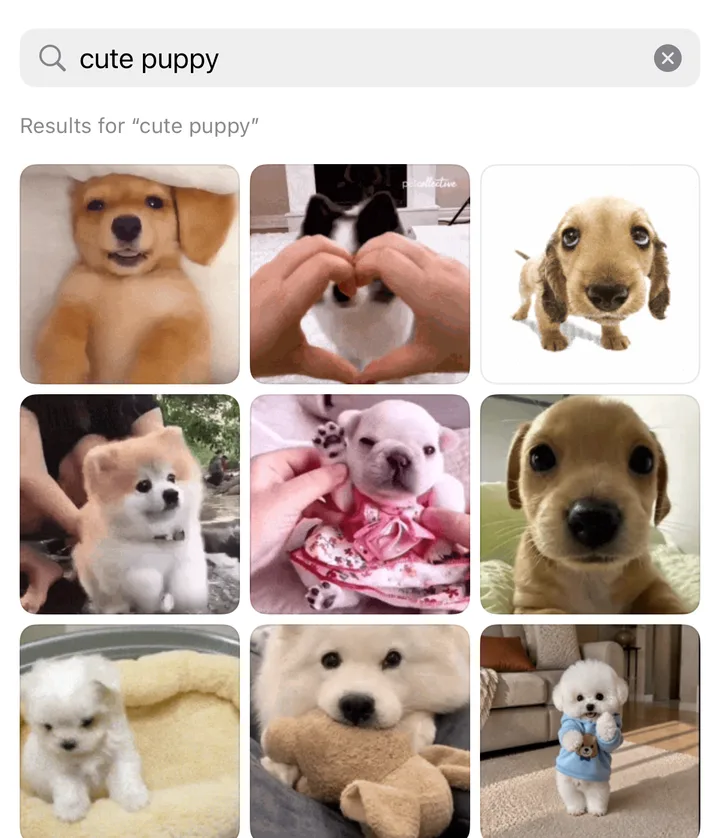
doesn’t Messages already have #images?
-
It does. GIF Giver goes further.
#images is a quick search. GIF Giver gives you more to pick from and a place to keep the good ones:
More GIFs to pick from: GIPHY and Klipy in one search.
Touch and hold any GIF to keep it in Favorites. The ones you just sent stay in Recents, one tap away.
And when nothing fits, type an idea and generate a GIF with your own OpenAI key.
-
Real results from one search in the picker. wait, it makes GIFs too?
-
New in 1.0.1: type an idea, get a GIF.
Describe the moment and GIF Giver animates it with your own OpenAI key, ready to send. Works on Mac, iPhone, and iPad.
You: a corgi in tiny sunglasses doing a happy dance

Generated in the app from that exact prompt. so how does it actually work?
-
One tiny picker. A lot less hunting.
On your Mac, instantly.
Open it from the menu bar or press ⌘⌥G anywhere. Click copies the GIF, ready to paste. Drag drops the animated file into any app.
and on my phone?
-
Right inside Messages.
Browse trending GIFs, search, and tap to insert on iPhone and iPad without leaving the conversation. The companion app and the Messages extension share favorites, recents, and collections on that device.
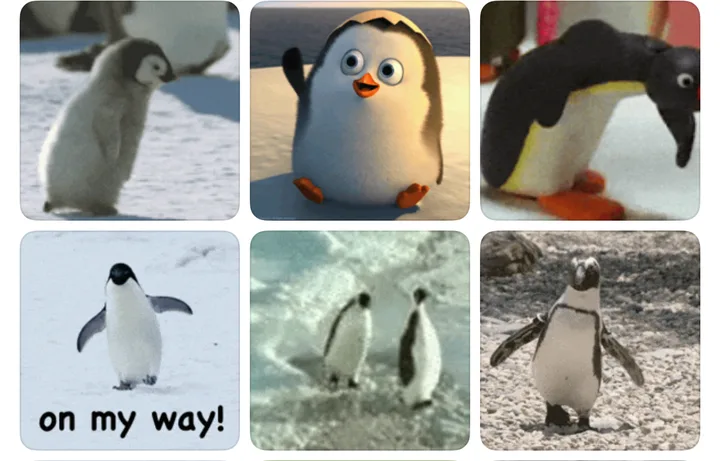
The compact drawer leaves room for the chat. how?
-
Find it once. Share it faster next time.
- Find. Search GIPHY and Klipy from one compact, family-safe picker.
- Keep. Favorite the good ones, build collections, and keep your recent reactions close.
- Share. Your library ranks above web results, so the GIFs you actually use surface first.
wait, what about my data?
-
Your library is personal. It stays that way.
GIF Giver has no account, no advertising, and no analytics. In 1.0.1, your library and settings stay on your device. The release neither reads nor writes iCloud library data, and GIF Giver’s developer cannot read your local library.
- No account. Nothing to sign in to, no profile to build.
- Your key stays yours. Your OpenAI key lives in this device’s Keychain and goes only to api.openai.com.
- Family safe. iPhone and iPad stay capped at PG-13.
-
Give better GIF.
Download GIF Giver on the App StoreMac, iPhone, and iPad.